The following page was printed from RemoteCentral.com:
Before you continue!
This file area has been replaced with a newer one! As of 2011, this section is no longer being updated, and some files may show as unavailable. For free access to all of these downloads and many newer ones, visit our NEW file area at: http://files.remotecentral.com
You are currently browsing through the Philips Pronto & ProntoPRO, Marantz RC5000, RC5200 & RC9200, Onkyo CHAD and Yamaha RAV-2000 file area. To return to the beginning click here.
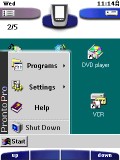
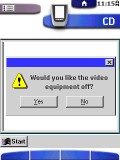
I am getting quite busy... don't have enough free time to design CCFs. Here's a design that isn't 100% done, but I thought since I wouldn't complete them soon, I'd give you what I have. This CCF is desinged just like a Windows 95/98 screen. Complete with the start menu, pop ups, you name it. Read the attached notepad to find out what needs to be completed.
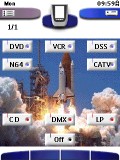
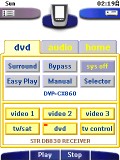
A color template for most AV systems. This is not an operating CCF, just use it as a template (though it does includes codes for a Sony preamp, TV, VCR, DVD and DSS). Designed all backgrounds and buttons.
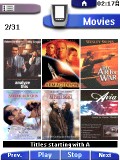
This is an update of my previous ProntoPro ccf. I have added an icon-based DVD selector to take advantage of the color display and show the cover art of the DVDs. Most DVD cover art works fine but on occasion the movie title is nearly unreadable. I changed a few of the icons to make them more readable.