The following page was printed from RemoteCentral.com:
Before you continue!
This file area has been replaced with a newer one! As of 2011, this section is no longer being updated, and some files may show as unavailable. For free access to all of these downloads and many newer ones, visit our NEW file area at: http://files.remotecentral.com
You are currently browsing through the Philips Pronto NG TSU3000, TSU3500, RU950, RU960, ProntoPro NG TSU7000, TSU7500, RU980, RU990, Marantz RC5400 & RC9500 file area. To return to the beginning click here.
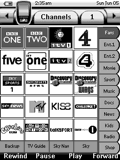
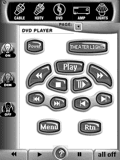
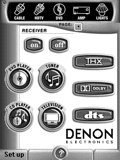
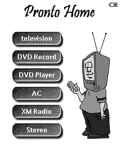
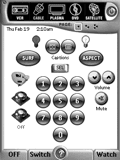
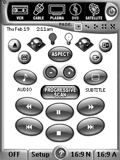
I have borrowed a number of bits from lots of files that were shared on here so thank you to everybody. Now that i'm finished i wanted to share mine with people. I like to think it is a well designed and intuitive format with some nice graphics It also includes a comprehensive channel list for Sky in the UK.
This PCF is about 96% Tonks, 3% Shaw, and 1% mine (my devices). It was designed primarily for WAF (wife acceptance factor) and babysitter use. It's highly intuitive.
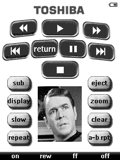
Basic layout using different segments of files found here. I've included some images of the original Star Trek cast. Especially useful is the XM remote, I've included icons for direct tuning.