The following page was printed from RemoteCentral.com:
Before you continue!
This file area has been replaced with a newer one! As of 2011, this section is no longer being updated, and some files may show as unavailable. For free access to all of these downloads and many newer ones, visit our NEW file area at: http://files.remotecentral.com
You are currently browsing through the Philips Pronto NG TSU3000, TSU3500, RU950, RU960, ProntoPro NG TSU7000, TSU7500, RU980, RU990, Marantz RC5400 & RC9500 file area. To return to the beginning click here.
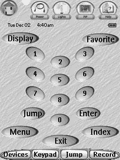
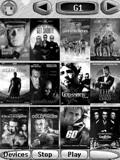
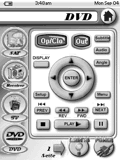
This PCF contains jacket covers for over 300 DVDs as well as macros for all 400 slots. Both satellites have all available DirecTV channel icons and macros. Very user friendly. 95% of all graphics were made by me. Only a few were borrowed.
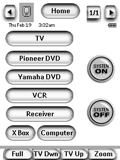
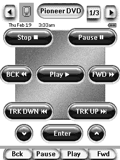
This file has the following strengths: simple interface suitable for kids/wives; large easily read fonts/buttons on all screens; control of TV, Receiver, & Switcher; inputs with single button for each device; immediate and time delayed system power off; uses easily modified buttons and labels that come with ProntoEdit NG.
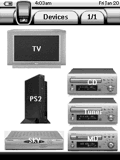
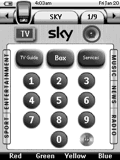
90% of the system is original content made by myself, some buttons have been borrowed from other systems (thanks), The system has been updated from my tsu1000 config file. The Denon & PS2 interfaces are graphical representations of their original remotes. Sky satellite channel numbers & DOG's are up to date as of December 05'.