|
 |
|
|
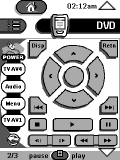 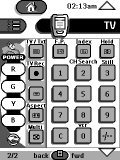
For: Marantz RC5000i By: James Holdsworth | James Holdsworth's RC5000 Remote My CCF imitates the real remotes almost perfectly. I have designed my own side menu, along with clever hard button functions. I have all icons from ITV digital channels. Included in this download is my large 'useful icons' file adapted from what is out there. Hopefully my layout might give you a few ideas for your own, it has gone through many re-edits. |
|
|
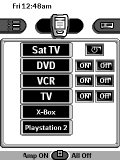 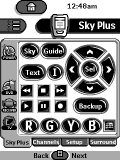
For: Marantz RC5000i By: James Rink | James Rink's RC5000i CCF This CCF has been an intense 2 year labour of love. It starts with a homepage that uses reasonably complex macros plus a "loading" screen to allow any user to get the AV system doing what they want. I have tried to create pedantically consistent and functional layouts for each component. Design elements stolen with gratitude from other galleries on this site. |
|
|
 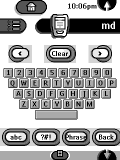
For: Marantz RC5000i By: James Robinson | James Robinson's MD Setup Complete home cinema system. Mainly borrowed from the Remote Central archives. Includes MiniDisc titler with qwerty keyboard, auto-caps, phrases etc. |
|
|
For: Philips TS-1000 By: Jason Frear | Jason Frear's Complete System Complete system CCF along the star trek control theme. Basic graphics and only a few macros. Of interest for Quad 77 Amp/CD owners who didn't want to spend a fortune on Quad's own remote. B&Q lighting control is on the "MUTE" key. |
|
|
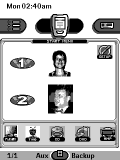 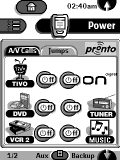
For: Philips TSU2000 By: Jason Winspear | Jason Winspear's CCF Special 'simplified' feature for my girlfriend with her section of remote. Full set of discrete power codes and jumps between functions. TV macros for both TiVo and OnDigital channels. |
|
|
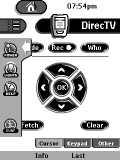 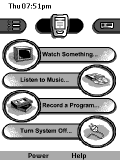
For: Philips TS-1000 By: Jay Mitchosky | Jay's CCF File This is a completely revamped version of my CCF. Many of the graphics have been streamlined, and popups/pullouts have been used for less frequently used buttons. The panels have also been reorganized, placing only source components under the Device bar with the remaining activities under the Macro bar. |
|
|
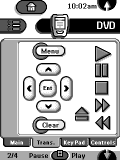 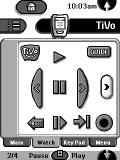
For: Philips TS-1000 By: Jeff Meyer | Jeff Meyer's CCF Setup I used the gallery included in Alan Minchew's CCF for most of this configuration. Some of the logos came from elsewhere. |
|
|
 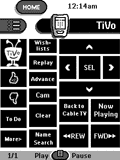
For: Philips TS-1000 By: Jim Kenefick | Jim's Home Theater CCF Minimal graphics, lots of design. Full activity-based area, loads of functions on device main pages. |
|
|
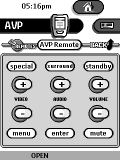 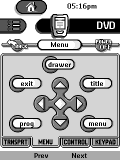
For: Philips TS-1000 By: Joe Jensen | Joe Jensen's Activity-Based CCF Complete activity based system CCF using a tab structure.Includes icons for our favorite local and DBS channels. Uses a "back" button and a "power off" button with return for every panel. Thanks to everyone for the work Iborrowed. |
|
|
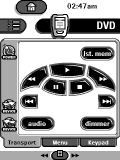 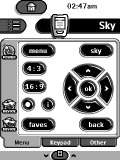
For: Marantz RC5000i By: John Newman | John Newman's Layout Design copied from Daniel's. Power toggle for amp, discrete power codes for DVD and both VCRs. Power workarounds for digibox and TV. IR code panels located on the Macro side, which is hidden. |
|
|
For: Philips TS-1000 By: John Quigley | John Quigley's CCF Buttons and bitmaps borrowed from many downloads on this site (thanks to all). Buttons grouped purposely on each screen for ease of use. Macros laid out so even my 6 year old can run everything. |
|
|
For: Philips TS-1000 By: Johnny Chuah | Johnny Chuah's First CCF Borrowed from many CCF's at Remote Central, but I lost track so need to thank everyone whose designs and logos I've used. Tried to maintain a consistent layout with tabs throughout all devices. Has "Clean Pronto Screen" button, multiple switching between video devices with PIP and home screen with my favorite cartoon character, Calvin and Hobbes. |
|
|
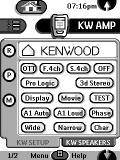 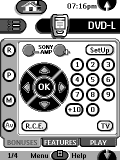
For: Marantz RC5000 By: Jonathan Anderson | Jonathan Anderson's CCF This CCF has had a bit of a bashing, but I can't say 100% that it's reliable or bug free. Some of the artwork is used by permission of the original copyright holders. My sincere thanks goes out to these guys for all their hard work. See the "about.txt" file for more information. |
|
|
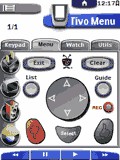 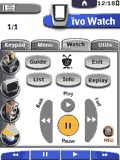
For: Philips ProntoPro By: Joseph Fattizzi | Joseph Fattizzi's System My CCF uses a lot of other CCF's taken from this board. I have some pretty unique things like a popup light control and all the codes on one page for easy update. |
|
|
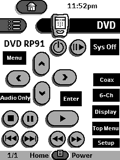 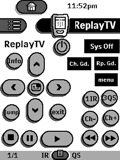
For: Philips TS-1000 By: Joseph Shovlin | Joseph Shovlin's System A complete system CCF file for the following devices. |
|
|
More results: [ < Back | Next > ]
Return to the index of all files. |










