The following page was printed from RemoteCentral.com:
Before you continue!
This file area has been replaced with a newer one! As of 2011, this section is no longer being updated, and some files may show as unavailable. For free access to all of these downloads and many newer ones, visit our NEW file area at: http://files.remotecentral.com
You are currently browsing through the Philips Pronto NG TSU3000, TSU3500, RU950, RU960, ProntoPro NG TSU7000, TSU7500, RU980, RU990, Marantz RC5400 & RC9500 file area. To return to the beginning click here.
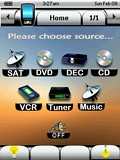
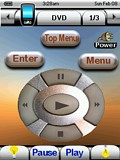
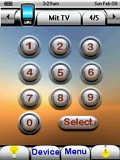
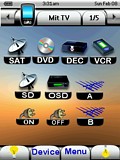
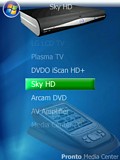
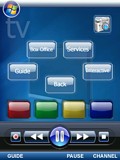
I have developed a very clean, simple and neat Activity-based configuration, which is also fully functional. It features simple custom graphics and custom-labeled buttons. In addition, it includes my first attempt to develop a transport graphic which was derived from a digital photograph, from one of my OEM remotes. My configuration features 100% .png graphics which all utilize a transparent background, for that custom look. My .pcf features 10 devices on 42 pages. The Yamaha device contains some 30 + discrete codes.
I still have a few things to add to this but it is working pretty well at the moment. You can get to extra functions by pressing the Vista button at the top. The whole layout is sort of a Media Centre/Vista Media Centre hybrid. I find that the main screen in Vista too cluttered. All the buttons and transport controls have been drawn by hand. Hope you like it!